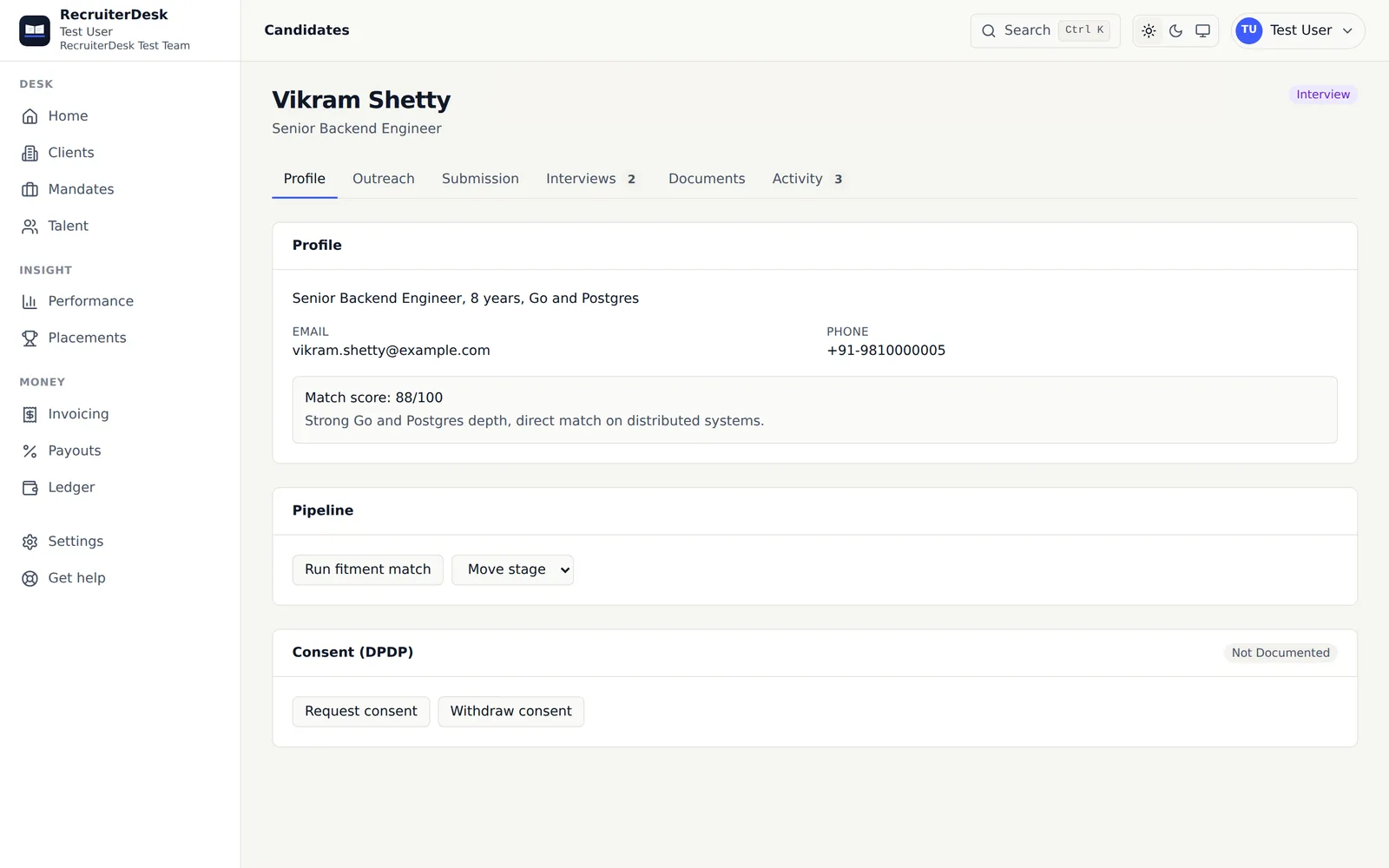
Move your desk across without retyping it.
Leaving Zoho Recruit, Recruit CRM, Ceipal or Naukri RMS? Bring your candidates in from the Excel or CSV export you already have, with a ready-made column mapping for each of the four, a dry-run preview before anything loads, and dedupe on the way in. Your CVs, and your clients' open demand, come across the same day.
From an old export to a working talent pool, in three steps.
Export from your old tool
Take a spreadsheet export of your candidates from the tool you are leaving, as Excel or CSV. Keep a dated copy of it, so the move is reversible.
Pick the ready-made mapping
In the importer, set Exported from to Zoho Recruit, Recruit CRM, Ceipal or Naukri RMS, and the export's columns line up with the RecruiterDesk talent fields. Adjust any column before you go on, or choose another tool or your own sheet and map it by hand.
Preview, then load
A dry run shows what would be created, matched or skipped. Then load the people, deduplicated on external ID, email and phone, so a second pass updates records instead of doubling them.
Four common exports, already lined up.
Each mapping is a starting point, not a lock. You can change any column before importing, and an export from any other tool maps by hand the same way.
Zoho Recruit
A ready-made column mapping for a Zoho Recruit candidate export.
Compare with Zoho RecruitRecruit CRM
A ready-made column mapping for a Recruit CRM candidate export.
Compare with Recruit CRMCeipal
A ready-made column mapping for a Ceipal candidate export.
Compare with CeipalNaukri RMS
A ready-made column mapping for a Naukri RMS candidate export.
Compare with NaukriEvery part of the desk has a way in.
Candidates from a spreadsheet
An Excel or CSV export, mapped onto the talent fields with a ready-made mapping or your own, previewed, then loaded with dedupe.
Candidates from their CVs
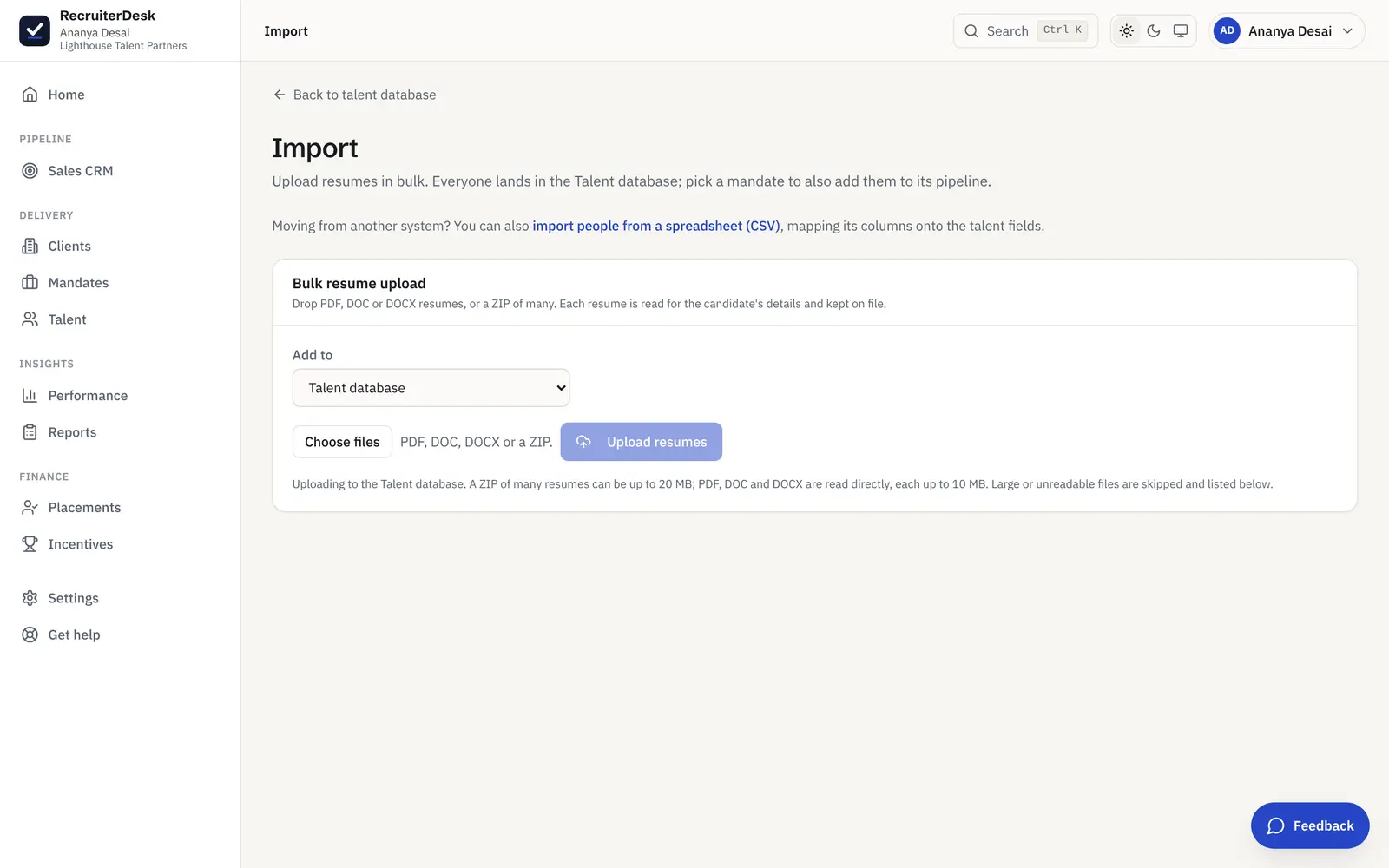
Drop resumes as PDF, DOC, DOCX or a ZIP, and each is read into a structured record, with a review queue for the reads that come out weak.
Open demand from a client tracker
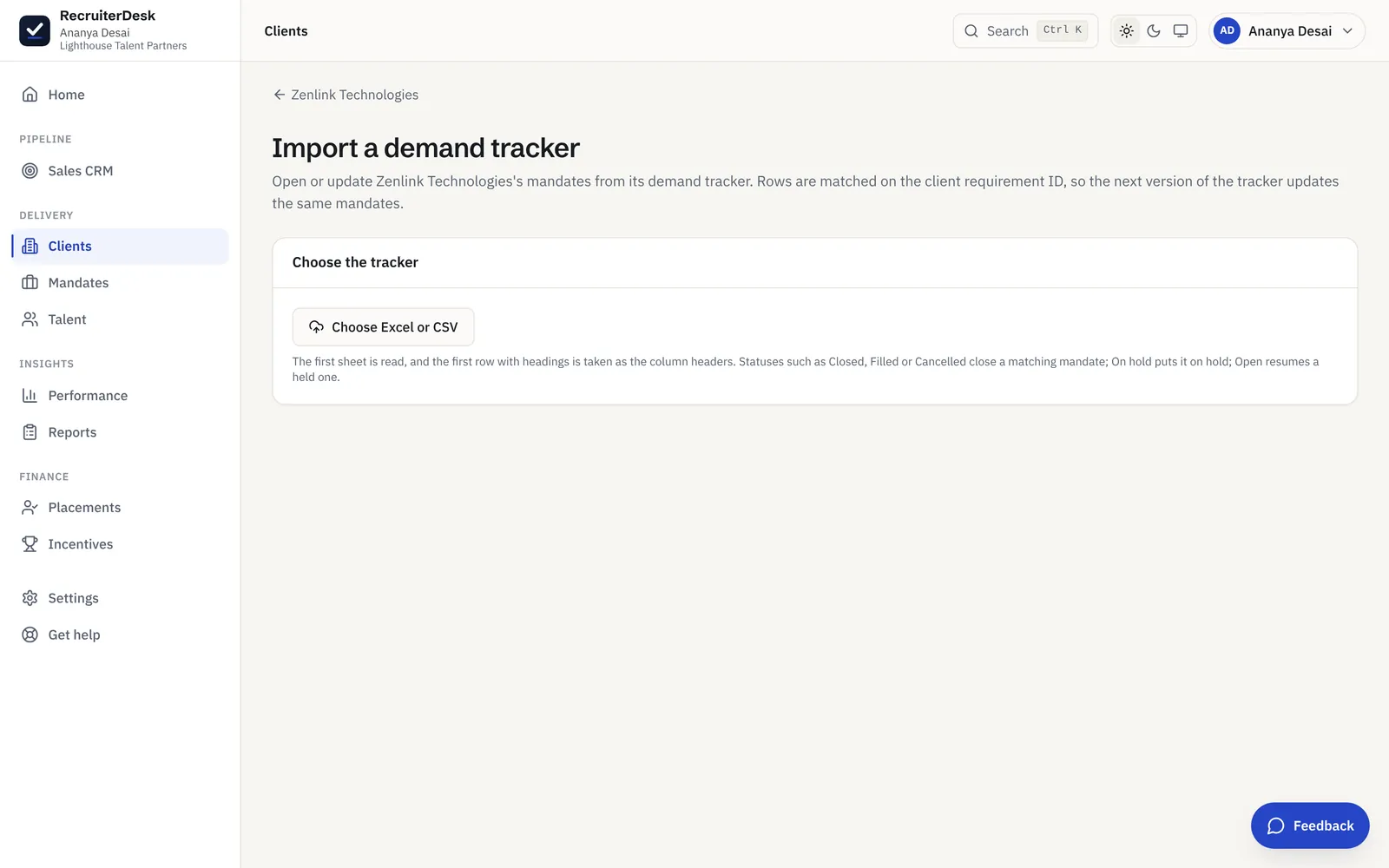
Import a client's demand tracker, Excel or CSV, into mandates in one go, keeping the client's requirement ID on each. Re-import later to add new demands, update existing ones and move the closed or on-hold ones.
Clients, added by hand
Clients are entered directly, which takes minutes because an active desk has a handful at a time. Their commercial terms then drive the fee on every placement.
More on reading CVs in bulk is on the bulk resume import page, and the searchable pool they land in is the candidate database. If your clients are enterprises that want submissions in their own tracker, see vendor submissions.
Bring each client's open roles across from their tracker.
Mandates do not have to be retyped either. From a client's record, import its demand tracker as Excel or CSV and each row opens or updates a mandate. Rows match on the client's requirement ID, so next week's version of the same tracker updates the same mandates rather than adding new ones.
- One import per client, Excel or CSV
- Matched on the client's requirement ID
- Closed, Filled, Cancelled, On hold and Open statuses applied
Switching recruitment software, answered.
Can I import my candidates from Zoho Recruit, Recruit CRM, Ceipal or Naukri RMS?
Yes. Export your candidates from the old tool as Excel or CSV, open the spreadsheet importer in RecruiterDesk, and pick the ready-made column mapping for that tool. You can adjust any mapping before importing, see a dry-run preview of what would be created, matched or skipped, and then load the people.
Does the importer take Excel files or only CSV?
Both. The spreadsheet importer accepts an Excel file as well as a CSV, so you can use the export your old tool produces without converting it first.
What if my old tool is not one of the four?
Map its columns yourself. The ready-made mappings save time for exports from Zoho Recruit, Recruit CRM, Ceipal and Naukri RMS, but any Excel or CSV export can be mapped onto the talent fields by hand, previewed and loaded the same way.
Will importing create duplicate candidates?
No. People are matched on external ID, then email, then phone, so importing a file twice, or importing resumes for people who came in from a spreadsheet, updates the existing record rather than adding a second one.
Can I import open roles, or do I add mandates by hand?
Both work. Add a mandate by hand in a minute, or import a client's demand tracker (Excel or CSV) into mandates for that client in one go, with the client's requirement ID kept on each. A later re-import adds new demands, updates existing ones and moves the ones the tracker marks closed or on hold. Clients themselves are added by hand.
Does RecruiterDesk connect to my old tool directly?
No. There is no live connection to Zoho Recruit, Recruit CRM, Ceipal or Naukri. You bring data across from the export your old tool produces, which keeps you in control of exactly what moves.
Can I take my data out again later?
Yes. Your records export to CSV from the list screens at any time, so switching to RecruiterDesk does not lock you in.
- 7-day free trial The whole product, no credit card and no setup call.
- One flat price Every feature included, no per-feature upsells or tiers.
- Your data is yours Export it or delete it whenever you want.
Bring your desk across this week.
Export from your old tool, pick the mapping, preview, and load. Free for 7 days, no card.