Schedule interviews without the email tennis.
Enter the interview details once, then either set a time and send everyone a calendar invite, or propose a few slots and let the candidate pick from a no-login link. Both sides get a calendar file, and the interview tracks on the candidate like any other touch.
One form, two ways to fix the time.
Enter the interview once
Duration, mode, location or meeting link, the interviewer and any notes go in one form. You fill the details a single time, whichever way the time gets fixed.
Choose how the time is set
Set a specific time yourself, or propose a few slots and let the candidate pick. One choice at the end of the form decides, so the two ways of scheduling share the same fields.
Everyone gets a calendar file
On a set time, everyone you invite gets a calendar invite to accept. On a candidate pick, both sides get a calendar file by email the moment the candidate confirms a slot.
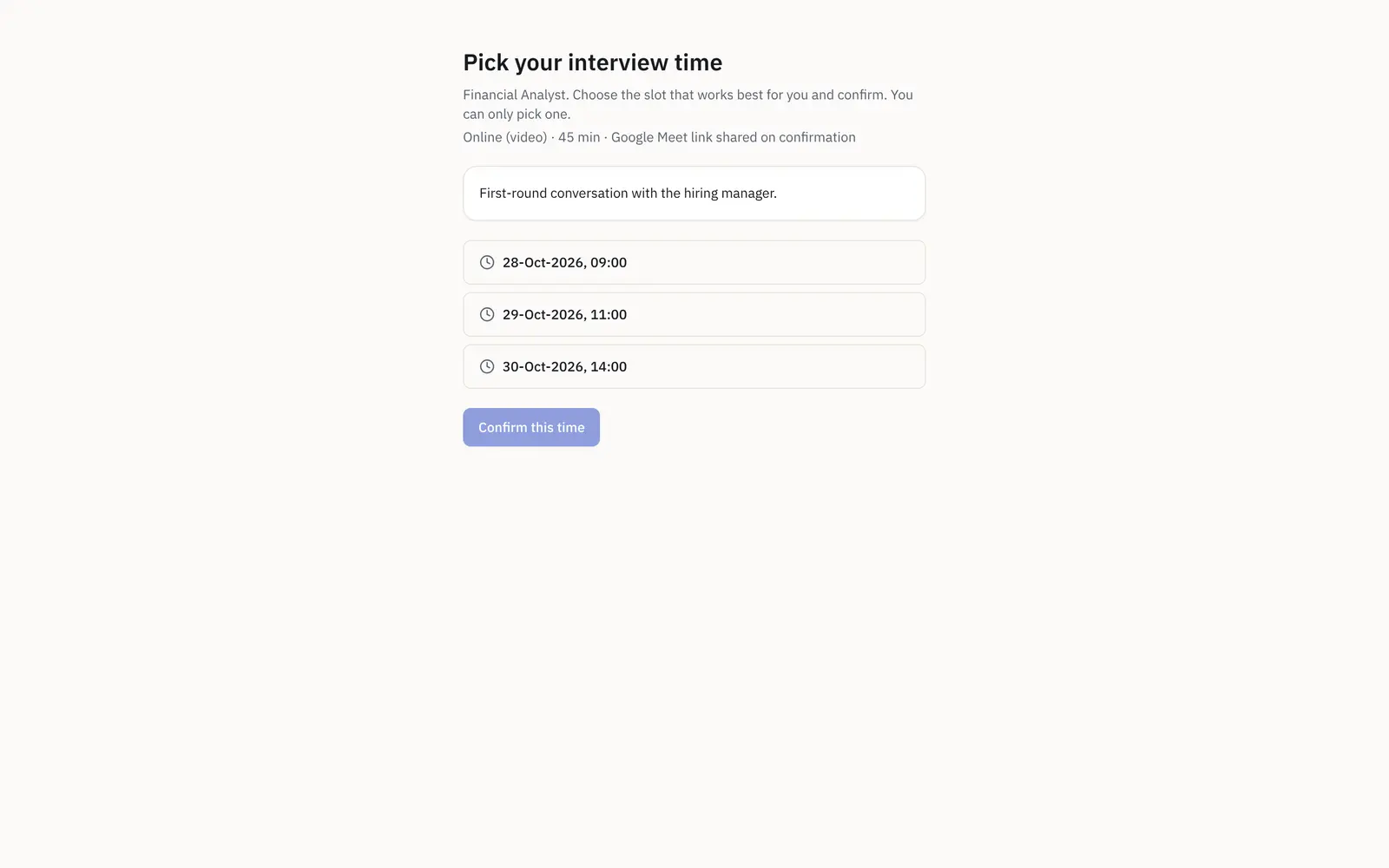
Let the candidate pick a slot that works.
Propose a few slots and share a no-login link. The candidate opens it, sees the role, the duration and the mode with any note you added, and picks the slot that suits them. The interview books in RecruiterDesk through the same record, so it is never off in a separate tool, and both of you get a calendar file by email.
- A no-login link the candidate just opens
- Copy, regenerate the slots, or revoke the link
- A calendar file to both sides on confirm
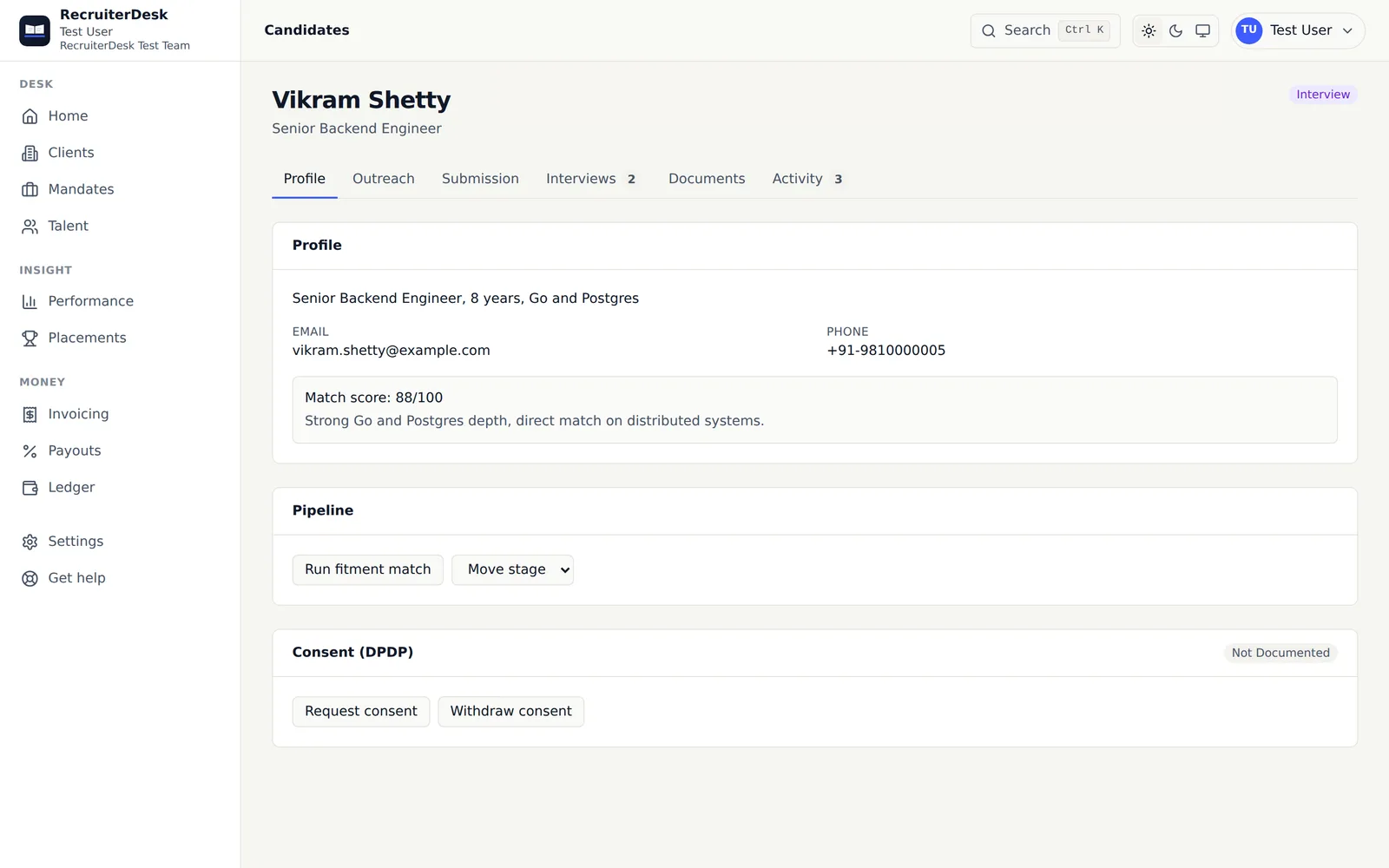
Fix the time however the role needs.
Set the time yourself
Pick a specific time and a list of invite emails, and the interview books immediately. Everyone is emailed a calendar invite they accept onto their own calendar.
Let the candidate pick
Propose a few slots and share a no-login link. The candidate opens it, sees the role, duration and mode, picks a slot, and the interview books here through the same record.
A calendar file for both sides
Generated for the candidate and the recruiter: the candidate gets the interview itself, and the recruiter gets a follow-up reminder on the same slot, since the recruiter usually does not sit in.
Copy, regenerate or revoke
The self-scheduling link behaves like the other no-login links: copy it to share, regenerate it to replace the offered slots, or revoke it when the slot is filled.
Every interview, tracked where the candidate lives.
A booking is not a dead end. The interview shows on the candidate’s Interviews tab and on the activity timeline, moving from scheduled to completed, cancelled or a no-show, each state dated and attributed. The candidate’s follow-up signals read from that activity, so an interview that has gone quiet surfaces on its own.
- On the Interviews tab and the timeline
- Outcome logged: completed, cancelled or no-show
- Feeds the candidate’s follow-up signals
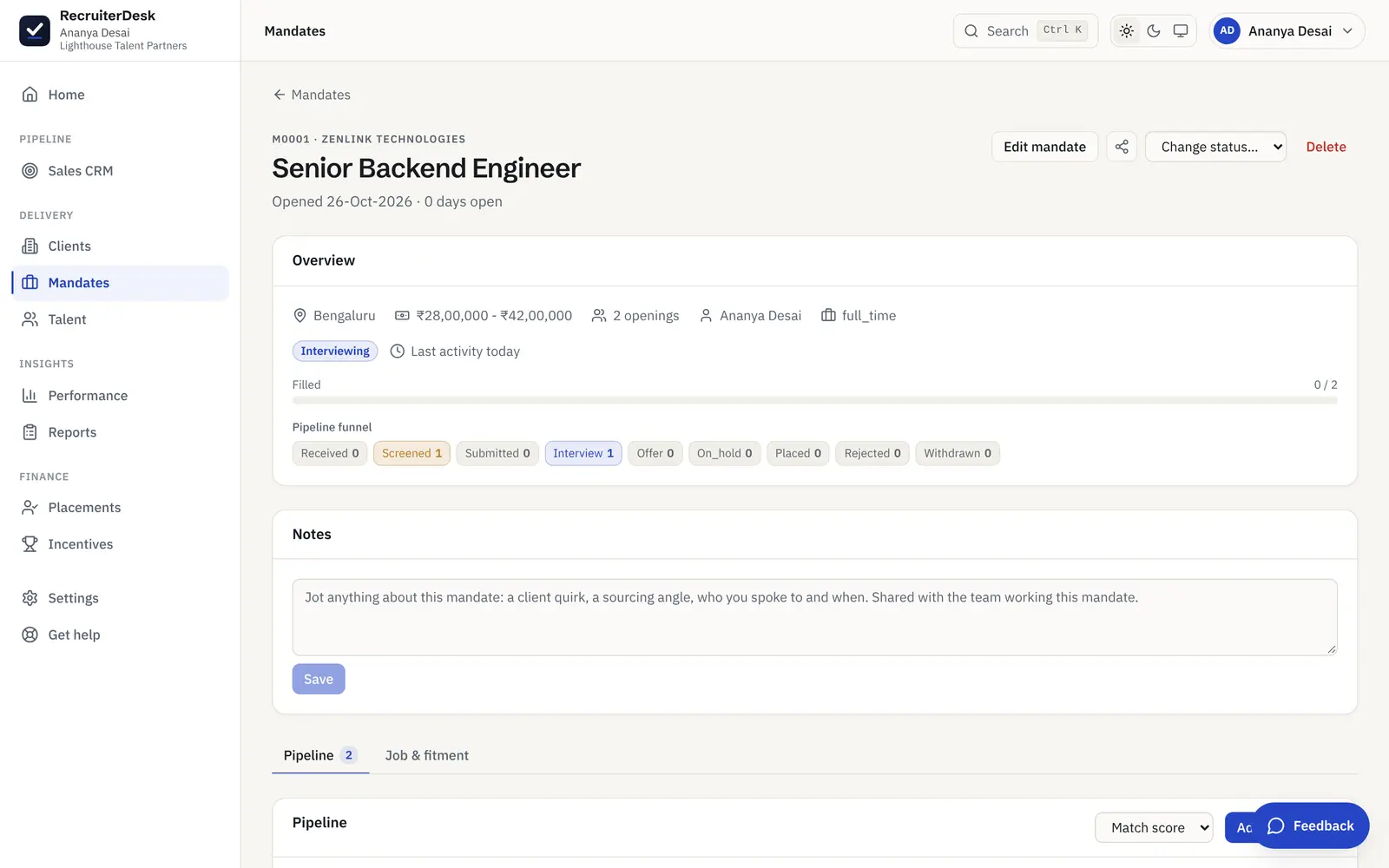
What happens around the interview.
On the Interviews list
However the time was set, the interview shows on the candidate’s Interviews tab like any other, so a booking made by the candidate is not off in a separate system.
On the timeline
Scheduled, then completed, cancelled or marked a no-show: each state is one row on the candidate’s activity timeline, attributed and dated, so the outcome reads, not just the booking.
A one-tap Log call too
Between interviews, the phone-first quick-action bar on a candidate lets you advance a stage, open WhatsApp or log a call in a single tap, so the record stays current from your phone.
Never a hard gate
Neither path locks you in. An interview can still be arranged entirely outside the system when you need to, and the record is there for the ones you want tracked.
Scheduling sits inside the whole flow.
Applicant tracking system
Every role as a mandate with its own pipeline, each candidate scored and moved through clear stages to a placement.
See the pipelineClient shortlist review
Share a shortlist on a no-login link and get a yes, maybe or pass on each candidate, back on the mandate.
See the review linkThe whole desk
Clients, mandates, candidates, pipeline, email and scheduling as one connected workspace.
See the productInterview scheduling, answered.
How does interview scheduling work in RecruiterDesk?
You enter the interview details once (duration, mode, location or meeting link, the interviewer and any notes), then choose how the time is set. Either you set a specific time and invite a list of emails, which books the interview immediately and sends everyone a calendar invite, or you propose a few slots and share a no-login link so the candidate picks one. Both ways book the same interview record, so it shows on the Interviews list and the candidate timeline.
Can candidates schedule their own interview?
Yes. Choose "let the candidate pick", propose a few slots, and share the no-login link. The candidate opens it, sees the role, duration and mode with any note, picks a slot, and the interview books in RecruiterDesk through the same record. Both the candidate and the recruiter get a calendar file by email: the candidate gets the interview itself, and the recruiter gets a follow-up reminder on the same slot.
Do interviews sync to Google Calendar or Outlook?
RecruiterDesk emails a standard calendar file (an .ics invite) that any calendar app, including Google Calendar and Outlook, accepts onto the recipient’s own calendar. On a set time, everyone invited gets the invite to accept; on a candidate pick, both sides get a file by email. It is a calendar invite rather than a two-way account integration, so nothing in your mailbox needs connecting first.
Does the candidate need an account to self-schedule?
No. The candidate-facing page is a no-login link. The candidate opens it, sees the role, duration, mode and any note, confirms the slot that suits them, and can download the calendar file to add it to their own calendar, all without creating an account.
What happens after the interview is booked?
The interview shows on the candidate’s Interviews tab and on the activity timeline, where it moves from scheduled to completed, cancelled or marked a no-show, each state recorded and dated. You can log the outcome, and the candidate’s stage and follow-up signals read from that activity, so a booked interview that has gone quiet surfaces rather than drifting.
Can I still arrange an interview outside the system?
Yes. Neither scheduling path is a hard gate. You can book entirely outside RecruiterDesk when a client insists on their own tool, and still record the interview on the candidate so the pipeline and the reports stay accurate.
More on moving a role fast: how to reduce time to fill and how to run a recruitment mandate.
- 14-day free trial The whole product, no credit card and no setup call.
- One flat price Every feature included, no per-feature upsells or tiers.
- Your data is yours Export it or delete it whenever you want.
Book the next interview in one form.
Set the time or let the candidate pick a slot from a no-login link. Both sides get a calendar file, and it tracks on the candidate. Free for 14 days, no card.