A branded application page candidates actually finish.
Publish a no-login application page for any open role, in your own name, and share the link wherever your candidates already are. The applicant reads the role, fills a structured form, attaches a resume and consents, and lands straight on the mandate, deduplicated and ready to screen.
From an open role to applications on the desk, in three steps.
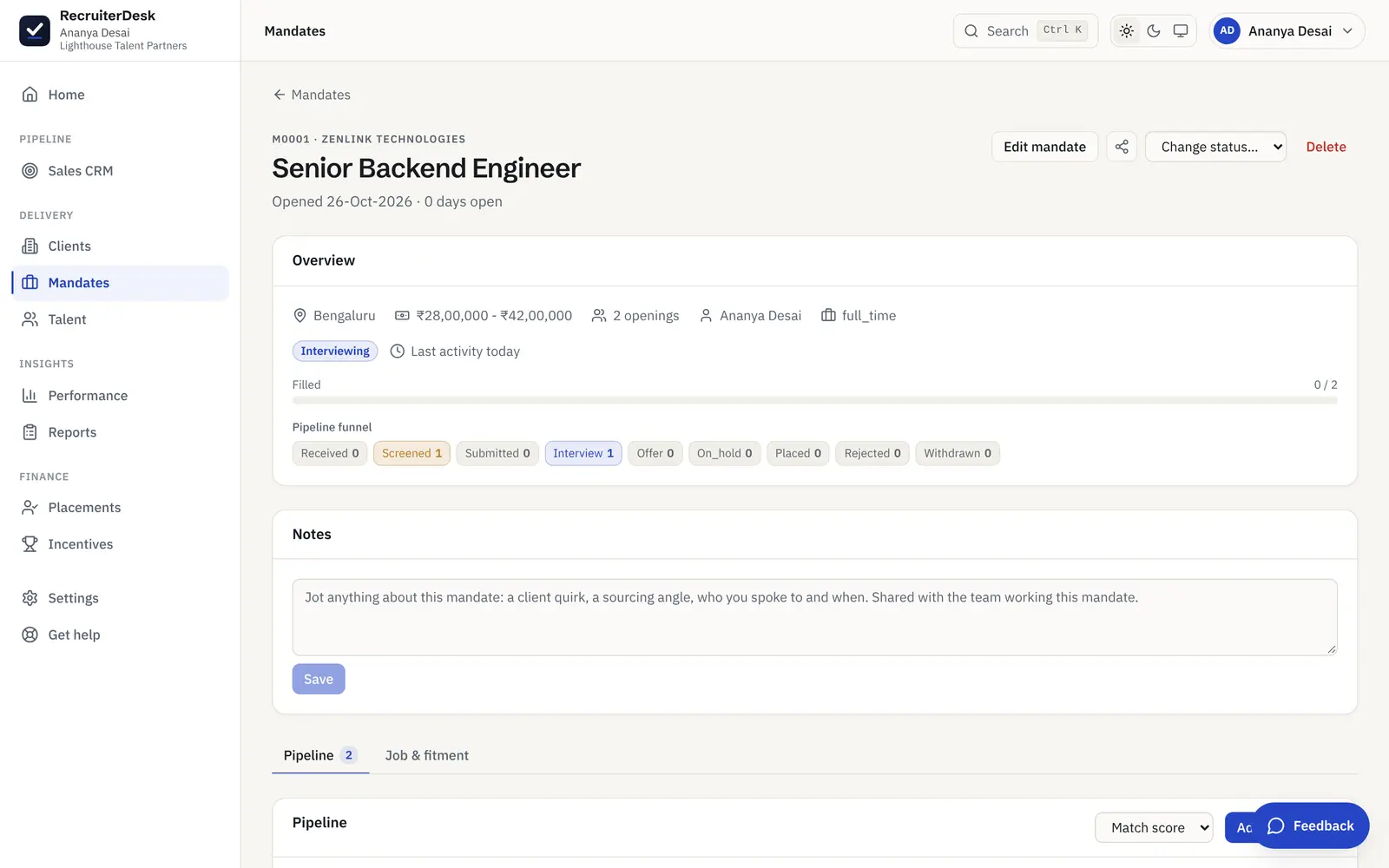
Open the role
Every mandate can publish a public application page in your own name, with the job title, the company, the location, the employment type and how many openings are live. No careers site to build and no job board to pay for.
Share the link
Send the no-login link wherever your candidates already are: WhatsApp, a referral, a job post or an email. The applicant opens it in a browser, reads the role and applies, with no account to create.
Applications land on the desk
Each submission becomes a candidate on that mandate, read into a structured record and deduplicated against the people you already hold, so an applicant is on the pipeline the moment they apply, not in a separate inbox.
A form that collects what you screen on.
The application page pairs an About the role panel with a structured form: name, email and phone, plus current role and employer, location, LinkedIn, experience, notice and current and expected CTC, with a resume attached. The applicant arrives as a record you can filter and rank, not a free-text email you have to retype.
- Required name, email and phone, plus the match fields
- Resume attached as PDF, DOC, DOCX or text
- Deduplicated against your talent database on the way in
Built to turn an apply into a candidate, cleanly.
The fields you actually match on
Name, email and phone, plus current role and employer, location, LinkedIn, total experience, notice period, and current and expected CTC. The structured form captures what you screen on, so you are not retyping a cover email into your system.
Resume attached, read for you
The applicant attaches a resume as PDF, DOC, DOCX or a text file. It is parsed into the same candidate record, so the shortlist is a filter rather than a folder of attachments to open one by one.
Deduplicated on the way in
A new application is matched against your talent database on email and phone, so a candidate who has applied before updates their record instead of creating a second copy. Your pool stays clean as applications arrive.
Straight onto the mandate
An applicant lands on the role they applied for, at the first pipeline stage, and in your talent database for the next role too. One apply, and they are in the flow you already run.
Take the application the way the law expects.
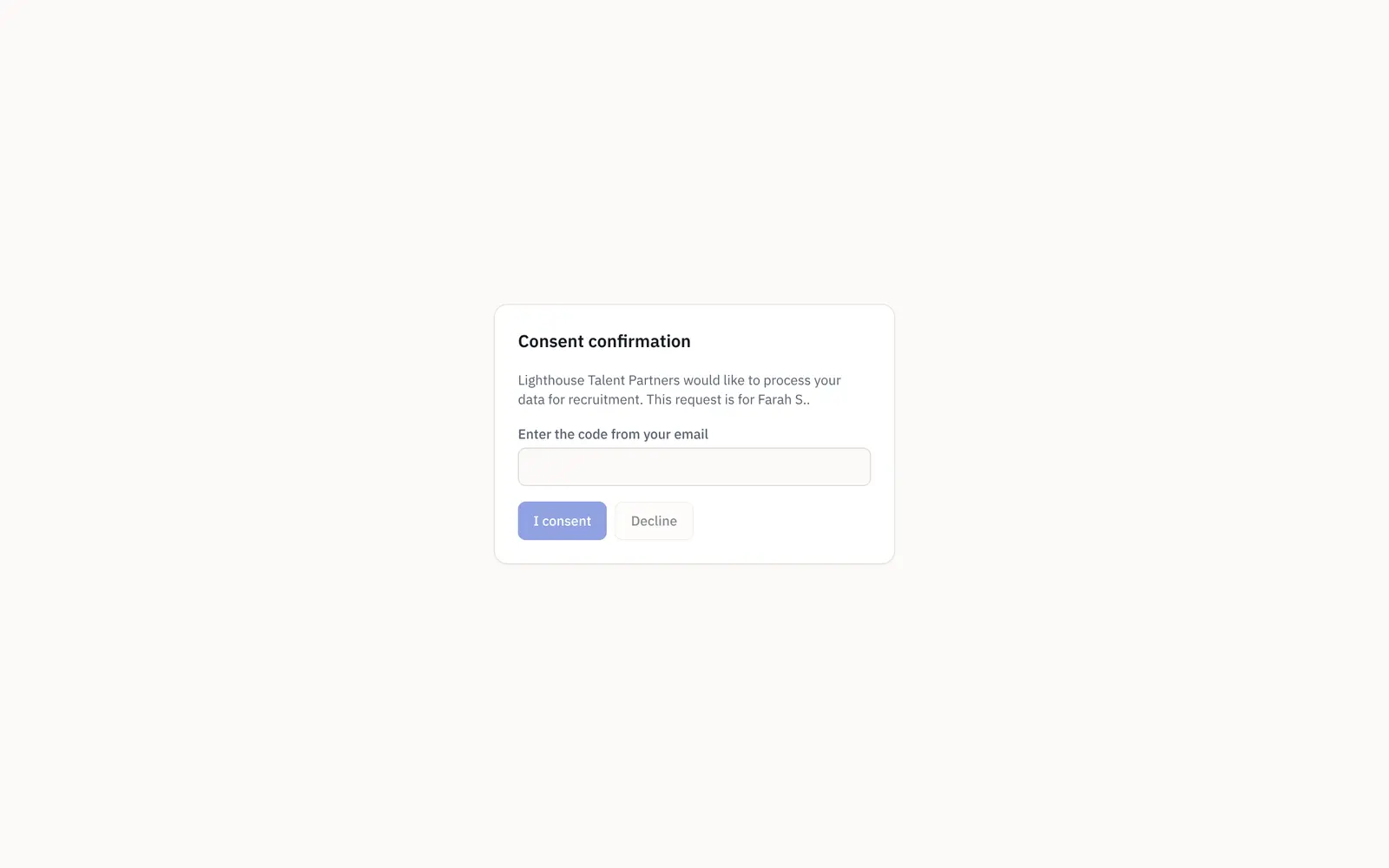
An applicant has to tick a clear consent box before they can submit, so nothing is processed without a yes. When you later want to send a candidate to a client, a separate consent confirmation asks them to approve that specific sharing with a code from their email. Consent to apply and consent to share are two documented steps, in line with India’s DPDP.
- A required consent checkbox to apply
- A separate, code-verified gate to share onward
- Consent, withdrawal and erasure tracked per person
A public page that keeps the relationship yours.
Consent before anything is processed
The form carries an explicit consent checkbox the applicant has to tick before they can submit, so no application is taken without a clear yes. It is the DPDP-aligned default, not a setting you have to remember to turn on.
A separate gate to share onward
When you want to send an applicant to a client, a consent confirmation asks the candidate to approve that specific sharing with a code from their email, so moving a profile on is a documented, candidate-approved step.
Your name on the page
The application page is branded to your firm, not a generic portal. Candidates apply to you, the relationship stays yours, and the page reads as part of your own desk.
Only the role, nothing internal
The public page shows the job and the apply form, and nothing of your pipeline, your other candidates, your notes or your fee. What the applicant sees is exactly what you meant to publish.
The application page is one of the public surfaces.
Applicant tracking system
Every role as a mandate with its own pipeline, each candidate scored and moved through clear stages to a placement.
See the pipelineClient shortlist review
Share a shortlist on a no-login link and get a yes, maybe or pass on each candidate, back on the mandate.
See the review linkClient hiring status
Give a client a read-only link to their open roles and the funnel on each, with counts only and no names.
See the status linkThe branded application page, answered.
What is a branded job application page?
It is a public, no-login page for a single open role, published in your own firm's name. It shows the job title, the company hiring, the location, the employment type and the number of openings, a short description of the role, and a structured application form. You share the link wherever your candidates are, and each application becomes a candidate on that mandate in RecruiterDesk, so it works like a lightweight careers page without a separate website to build.
Does the candidate need an account to apply?
No. The application page is a no-login link. The candidate opens it in a browser, reads the role, fills the form, attaches a resume and submits, all without creating an account or a password. It is deliberately a public application page rather than an account-based candidate portal.
What does the application form collect?
Name, email and phone, which are required, plus current role, current employer, location, a LinkedIn URL, total experience, notice period, and current and expected CTC. A resume is attached as PDF, DOC, DOCX or a text file. These are the fields a recruiter screens and matches on, so the applicant arrives as a structured record rather than a free-text email.
How is candidate consent handled?
The form carries an explicit consent checkbox that the applicant must tick before they can submit, so no application is processed without a clear yes. When you later want to share an applicant with a client, a separate consent confirmation asks the candidate to approve that sharing with a code sent to their email. Both steps follow India's DPDP expectations, with the customer as the data fiduciary and RecruiterDesk as the processor.
Where do applications go after they are submitted?
Each application becomes a candidate on the mandate it was submitted for, at the first pipeline stage, and the resume is read into the same structured record. The person is deduplicated against your talent database on email and phone, so a repeat applicant updates their existing record. From there they move through the pipeline like any other candidate.
Can I use this instead of a careers site or a job board?
For a single role, yes. The application page gives you a shareable, branded apply link without building a careers website or paying for a job board slot, and every applicant lands structured and deduplicated on the mandate. It is meant for the roles you source and share yourself, not as a full job-board listing network.
More on filling a pipeline: bulk resume import and the candidate database and talent pool.
- 14-day free trial The whole product, no credit card and no setup call.
- One flat price Every feature included, no per-feature upsells or tiers.
- Your data is yours Export it or delete it whenever you want.
Publish an apply link for your next role.
A branded, no-login application page that collects what you screen on, takes consent up front, and lands every applicant on the mandate. Free for 14 days, no card.