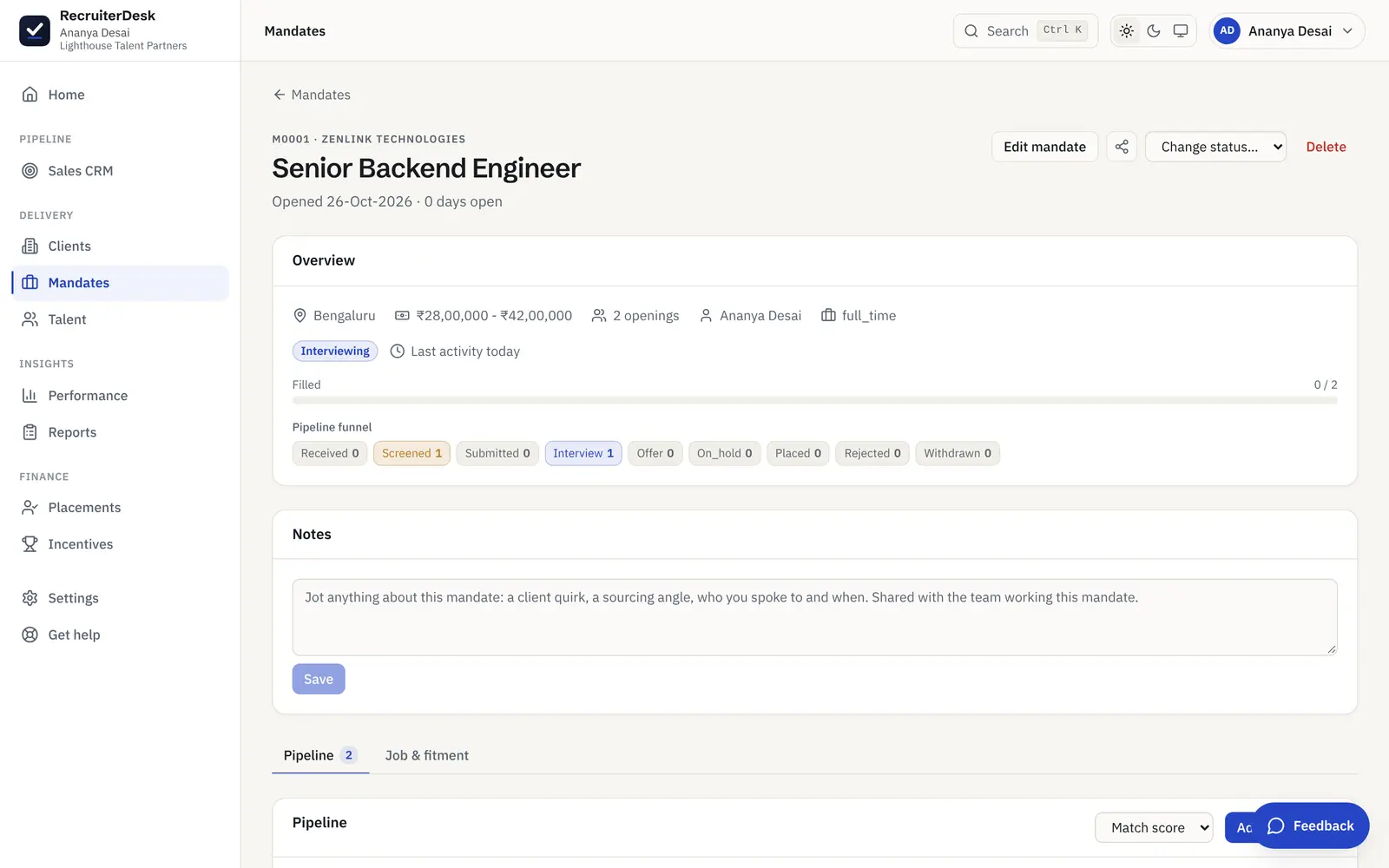
See how the desk is really doing.
RecruiterDesk reads your own pipeline and shows you the funnel, where it leaks, which sources pay, and a weighted fee forecast for the month. Every figure comes from the live desk, so there is no report to assemble by hand, and every report downloads as a CSV or a typed Excel workbook when you need one.
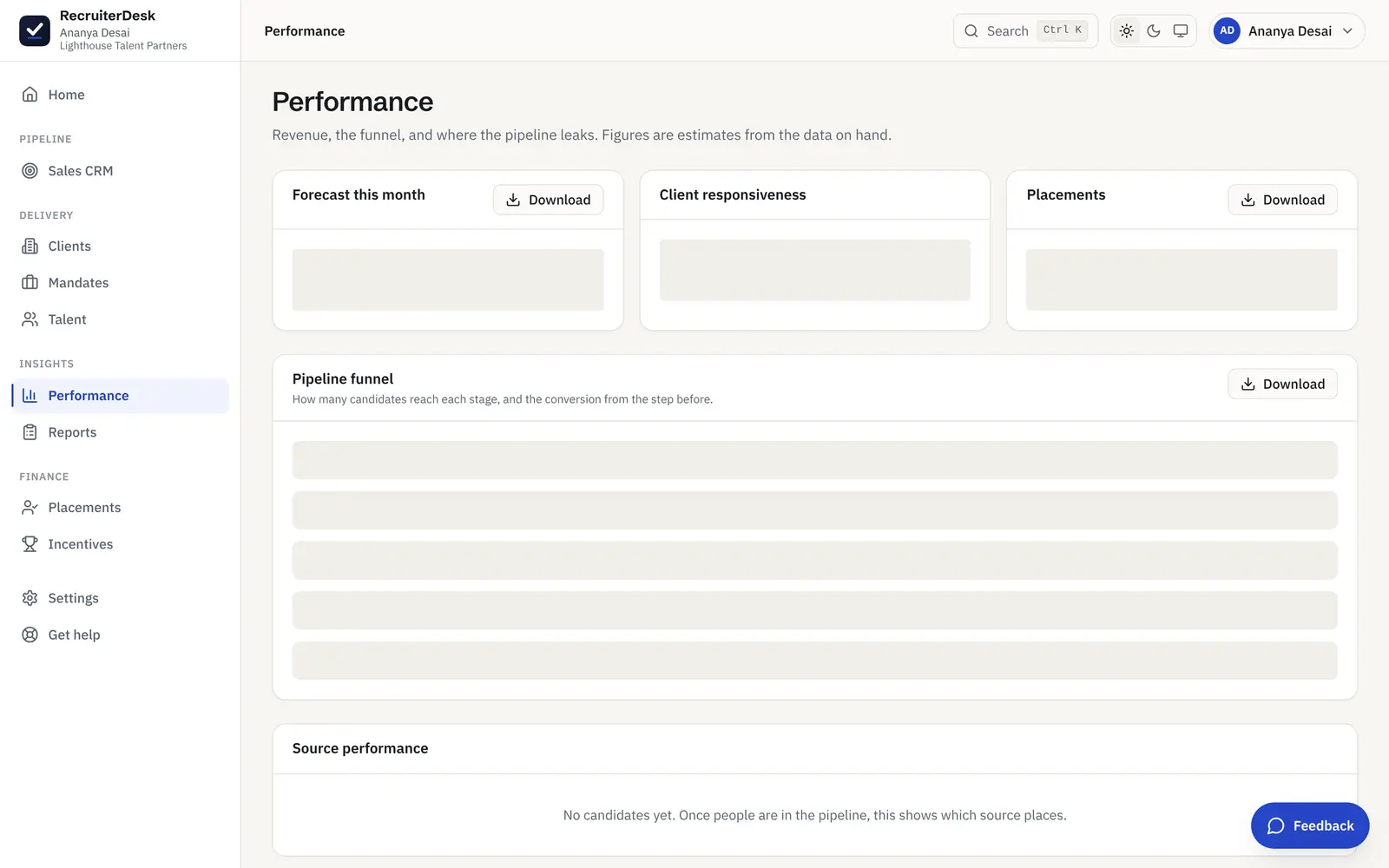
The four numbers that tell you where you stand.
Fee forecast
The month ahead, weighted. Offers and interviews in play, weighted to a likely number of closes at an average fee, so you have a grounded figure for the month, not a guess.
Pipeline funnel
Candidate to submitted to interview to offer to placed, with the step-to-step conversion on each, so where the pipeline leaks reads at a glance.
Source ROI
Candidates, placements, placement rate and fee earned per channel, so you can see which sources actually pay and put your hours where they return.
Cycle times
Average time to submit and to close, and a client-responsiveness proxy, so a slow stage shows up before it costs you a placement.
Find the stage that is costing you placements.
The pipeline funnel shows how many candidates reach each stage and the conversion from the step before, so a drop between submitted and interview, or interview and offer, is obvious. Source ROI sits beside it, so you can tell a channel that fills roles from one that just fills your inbox.
- Step-to-step conversion on every stage
- Placement rate and fee earned per source
- Activity counts that link straight to the list
A monthly trend on screen, a spreadsheet when you need it.
The last six months of activity render in the app as a trend you can read at a glance, and every report (recruiter productivity, candidate pipeline, placements, receivables aging, hiring status, rejection reasons and the pipeline revenue forecast) downloads as a CSV or a typed Excel (.xlsx) workbook for a spreadsheet, a board pack or your accountant, with numbers and dates kept as real types. Date-range, client and owner filters narrow each one.
- Six-month activity trend rendered in-app
- A per-recruiter scorecard over any date range
- CSV or a typed Excel (.xlsx) workbook on every report
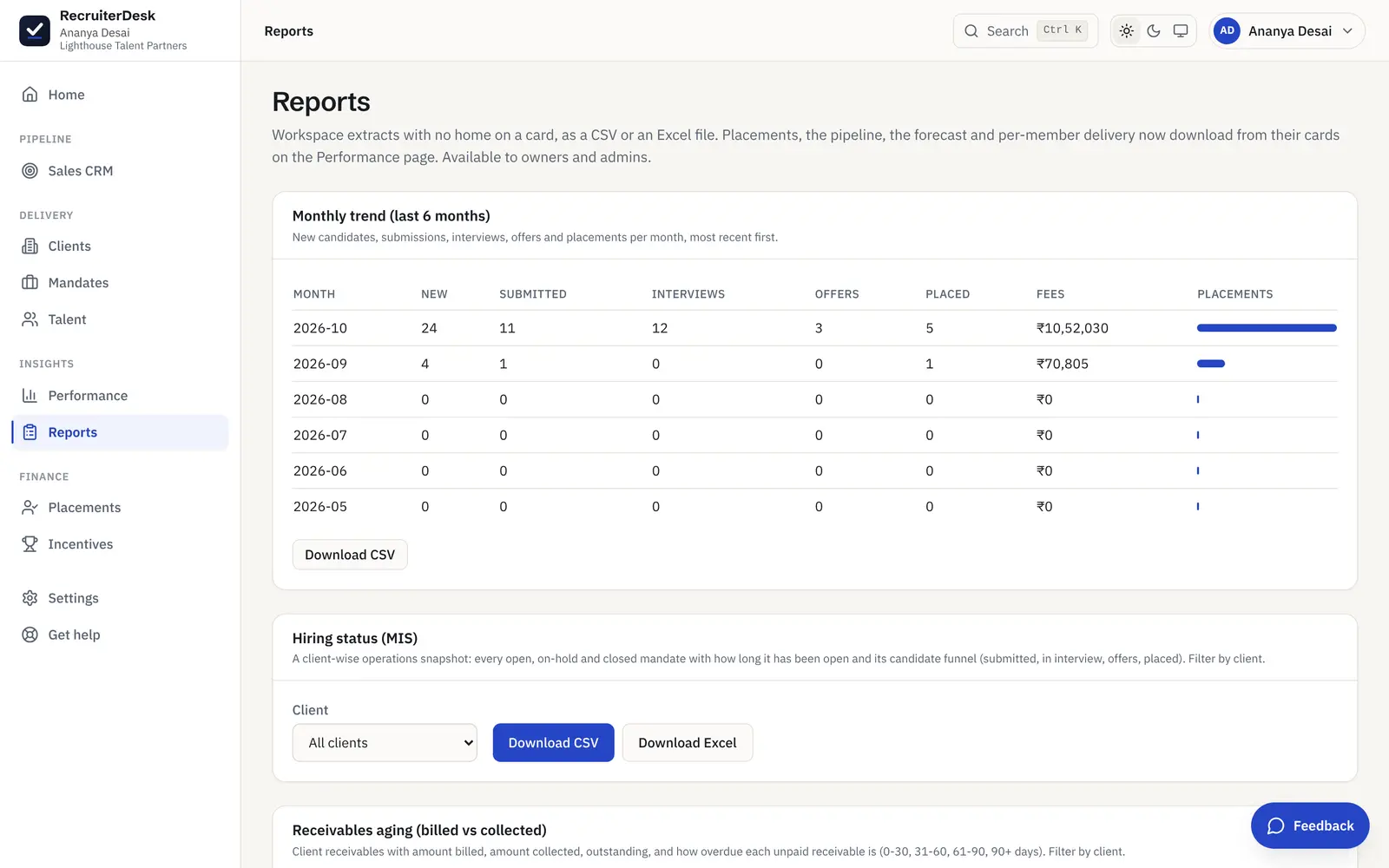
The extracts a recruiting business runs on.
Monthly trend
New candidates, submissions, interviews, offers, placements and fees per month over the last six months, rendered in-app and downloadable as a CSV.
Recruiter productivity
A per-recruiter scorecard over a date range: candidates added, submissions, interviews, offers, placements and fees, one row per active member.
Candidate pipeline
Every candidacy across all mandates, who is on what, at which stage, with the match score, filterable by client or owner.
Placements
Every placement with its client, mandate, join date, fee and status, so the closed business reads in a single extract.
Receivables aging
Billed against collected, so the money owed on closed placements is never out of sight.
Hiring status (MIS)
Where every open role stands per client, the status report you hand a client instead of rebuilding a sheet before a call.
Rejection reasons
Why candidates leave the pipeline over a period, each rejected or withdrawn outcome broken down by its categorized reason, so a skills gap reads apart from a pay gap.
Pipeline revenue forecast
Every unplaced candidate on an active mandate, its client fee from the agreed terms weighted by the close likelihood of its stage, so the pipeline reads as what it is likely to be worth.
Recruitment analytics, answered.
What recruitment reports does RecruiterDesk produce?
A six-month activity trend (new candidates, submissions, interviews, offers, placements and fees), a per-recruiter productivity scorecard, a full candidate-pipeline extract, a placements report, a client hiring-status (MIS) report, a receivables-aging report, a rejection-reasons breakdown, a probability-weighted pipeline revenue forecast, and an AI activity log. The activity trend renders in the app; every report downloads as a CSV or a typed Excel (.xlsx) workbook that keeps numbers and dates as real types, with date-range, client and owner filters where they apply.
How is the fee forecast calculated?
It weights the offers and interviews currently in play by how likely each is to close, at the average fee on the desk, to give a grounded figure for the month. It is an estimate from the data on hand, and it is labelled as one, so it reads as a planning number rather than a promise.
Can I see performance per recruiter?
Yes. The Performance screen carries per-member delivery and client-acquisition tables, and the recruiter-productivity report gives a scorecard over any date range, one row per active member. Owners and admins see the whole desk; the figures come straight from the live pipeline, so there is nothing to compile.
Can I export the data?
Every report generates either a CSV or a typed Excel (.xlsx) workbook, so numbers and dates arrive as real types rather than text a spreadsheet re-parses. Open it in a spreadsheet, drop it into a board pack or hand it to your accountant, and export your underlying records at any time. The data is yours, with no lock-in.
Who can see the reports?
The reporting surfaces are for owners and admins, since they read across the whole workspace. A delivery recruiter sees their own book on Home and their own numbers, without the workspace-wide extracts.
- 14-day free trial The whole product, no credit card and no setup call.
- One flat price Every feature included, no per-feature upsells or tiers.
- Your data is yours Export it or delete it whenever you want.
See your own funnel, forecast and source ROI.
Connect your desk and the numbers build themselves, from the first candidate you add. Free for 14 days, no card.