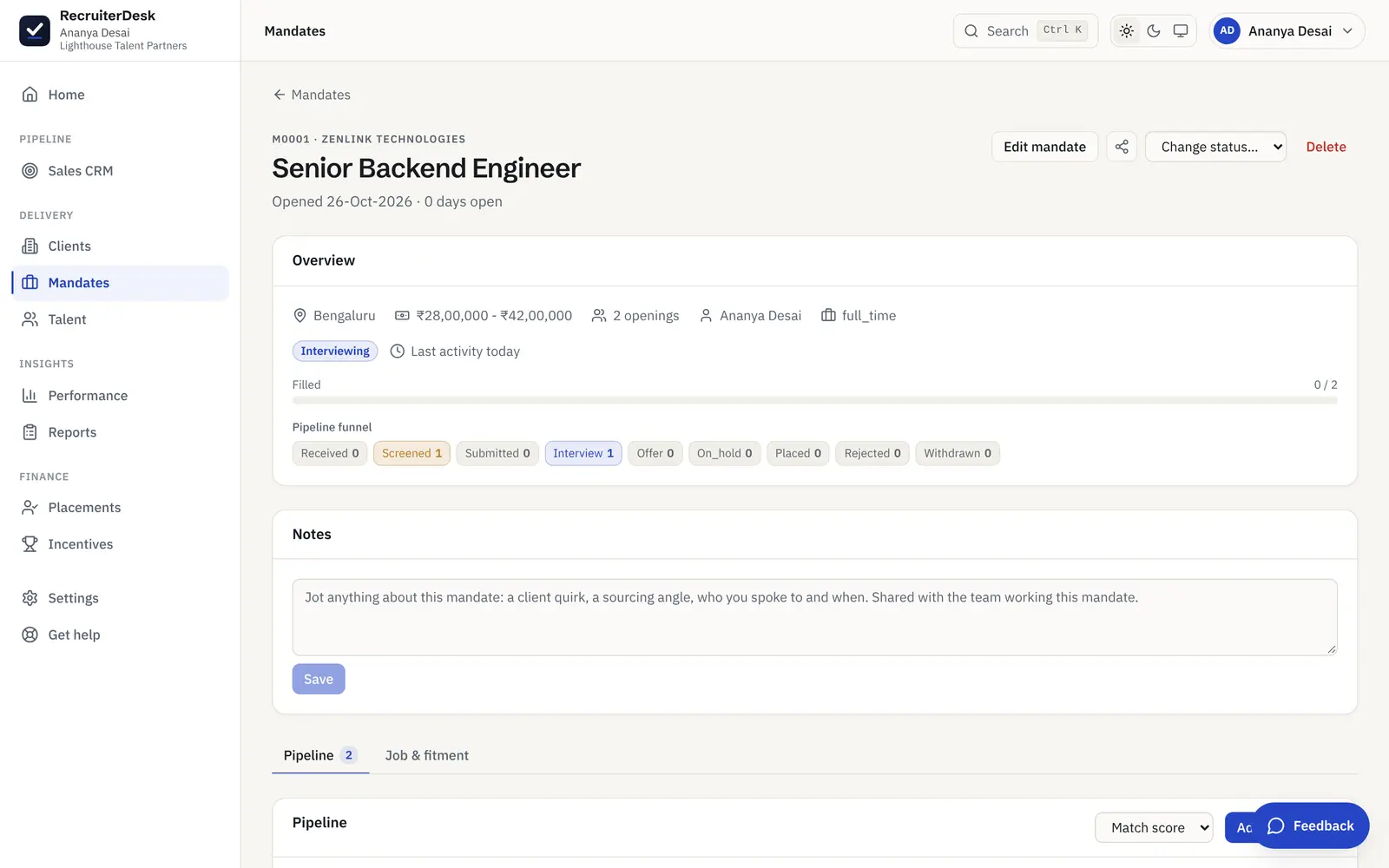
Every client's fee agreement, on file before you place.
Set a client's commercial terms once, attach the signed fee agreement, and RecruiterDesk shows you, across your whole book, which clients are ready and which are missing terms or a document. Every placement fee then derives from the agreed terms, so a bill is never typed into a blank field.
From an agreed fee to a client that is ready to place.
Set the terms once
Record a client's commercial terms on the client: the fee model (percent, flat or a slab by grade), the rate, a minimum, the currency, payment days and the clawback window. Every placement fee is then worked out from them.
Put the signed agreement on file
Attach the signed fee agreement to the client, so the contract behind the terms sits with the record rather than in an inbox. A client is only fully set up once both the terms and the document are in place.
See who is ready before you place
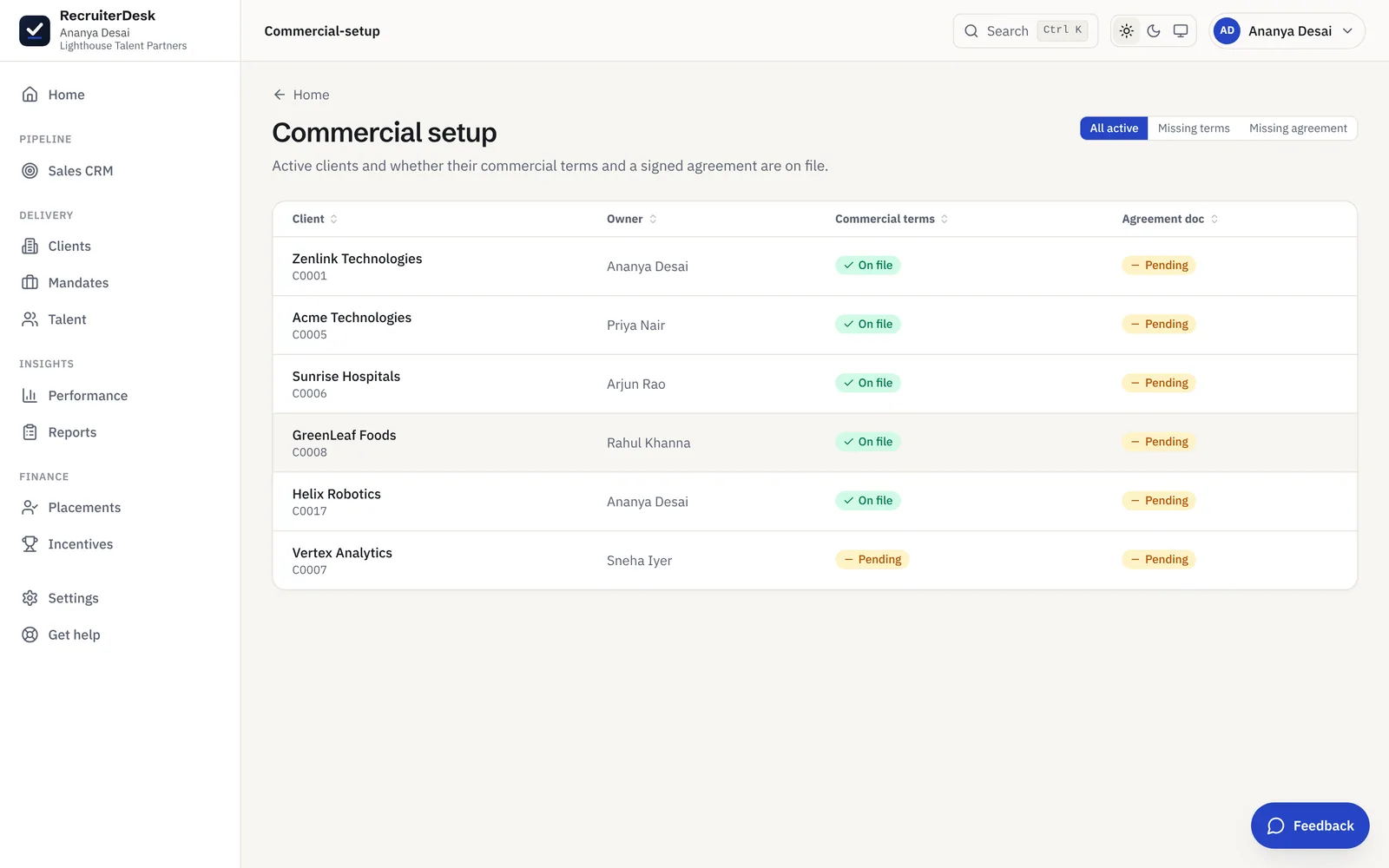
The Commercial setup view lists every active client and whether its terms and a signed agreement are on file, so a placement never lands against a client with no agreed fee.
Know which clients are ready at a glance.
The Commercial setup screen lists every active client with its owner and two plain states: whether the commercial terms are on file, and whether a signed agreement is attached. Filter to the clients missing terms or missing an agreement and you have the exact follow-up list, so a placement never lands against an account with no agreed fee.
- Commercial terms and agreement status per client
- Filters for missing terms and missing agreement
- The owner who holds each relationship, in view
The commercial groundwork of a placement, handled.
Terms on the client
The fee model, rate, minimum, currency, payment days, clawback window and any named adjustment live on the client record, so a fee is agreed once and reused on every placement for that account.
The signed agreement attached
The fee agreement document sits on the client alongside the terms it encodes, so the contract and the numbers it sets are never kept apart.
A readiness view across the book
One screen shows every active client with its commercial terms and agreement status, filterable to just the clients missing terms or missing a signed agreement, so the gaps are a short list rather than a surprise at placement time.
Fees that follow the terms
Because the fee comes off the agreed terms, a placement bill is derived, not typed: the same terms produce the same fee every time, and a missing agreement is caught before money is on the line.
Agreed once, applied on every placement.
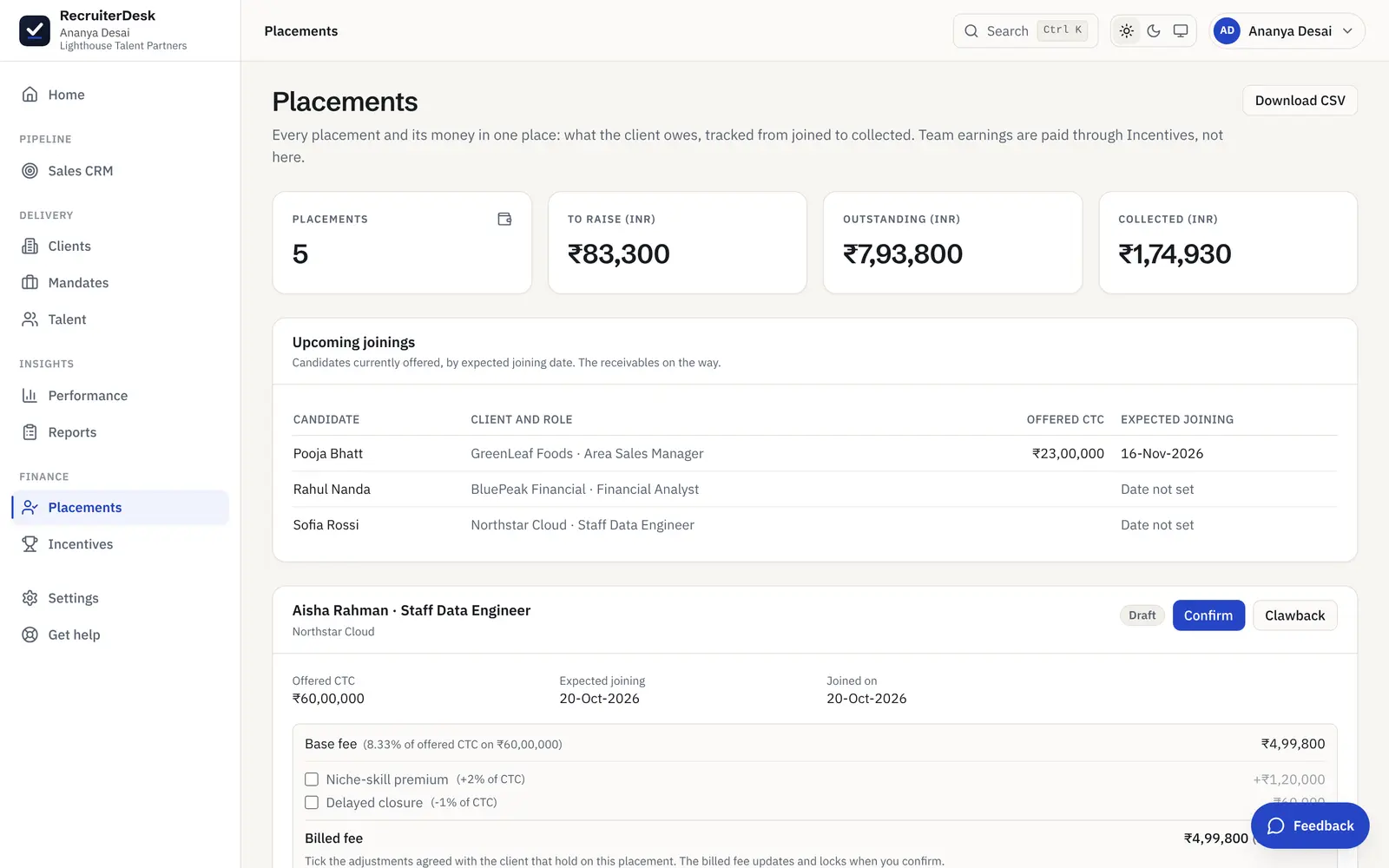
Because the fee lives on the client's terms, a placement bill is worked out, not keyed in. When a candidate joins, the billed fee is derived from the model and rate you agreed, so the commercial setup here feeds straight into the money side on Placements.
- One set of terms, reused on every placement
- Percent, flat or grade-slab, per client and currency
- GST-aware fee handling for an Indian desk
Fee agreements and commercial terms, answered.
What is a recruitment fee agreement?
A recruitment fee agreement is the contract between an agency and a client that sets how the placement fee is charged: the fee model (a percent of CTC, a flat amount, or a slab by grade), the rate, any minimum, the currency and payment terms, and the window in which a fee is clawed back if the candidate leaves early. In RecruiterDesk the commercial terms are recorded on the client and the signed agreement is attached to the same record.
How do I keep track of which clients have terms agreed?
The Commercial setup view lists every active client and shows, per client, whether its commercial terms and a signed agreement are on file, with the owner who holds the relationship. You can filter to just the clients missing terms or missing an agreement, so the accounts that are not ready to place against are a clear, short list.
How is the fee calculated once terms are set?
From the terms on the client. When a candidate joins, the billed fee is derived from the agreed model and rate applied to the offered CTC, with the minimum floor and any agreed uplift or penalty applied, so nobody types a figure into a blank fee field. The fee breakdown is then visible on the placement.
Can different clients have different fee models?
Yes. Each client carries its own terms, so one account can be a percent of CTC, another a flat amount, and another a slab that varies by the offered grade, each in its own currency. The fee on a placement always follows that client's agreed terms.
Who can set and see the commercial terms?
The owner and members with the finance module set a client's terms and see the Commercial setup view. A delivery recruiter works the pipeline and records a join; finance owns the agreed fee and the signed agreement, so the commercial side stays with the people who own it.
- 7-day free trial The whole product, no credit card and no setup call.
- One flat price Every feature included, no per-feature upsells or tiers.
- Your data is yours Export it or delete it whenever you want.
Agree the fee once, place with confidence.
Set your client terms, attach the agreement, and let RecruiterDesk keep your whole book ready to place. Free for 7 days, no card.